6 WhatsApp Bulk Message Sender Tools for Client Communication
You are comparing WhatsApp bulk senders because your client messages keep getting buried, delayed, or flagged. Picking the wrong tool risks blocked numbers and wasted team hours.
This guide breaks down the six most practical options, from Com.bot to Wati, with clear criteria for deliverability, compliance, and pricing. By the end, you will know exactly which platform fits your team size and client volume, plus our top pick for most businesses.
What to Look For in WhatsApp Bulk Message Sender Tools
Choosing the right WhatsApp bulk message sender hinges on three pillars: deliverability, compliance, and scalability. Each one affects whether your client communication efforts actually succeed or quietly fizzle out.
Deliverability determines if your messages reach the inbox. Compliance keeps your account safe from bans. Scalability ensures the tool grows with your contact list.
Deliverability, Compliance, and Scalability
Deliverability means your messages land in the primary inbox, not the spam folder. A tool that offers delivery reports lets you track open rates and response rates in real time.
Look for sender reputation features and phone number validation. These reduce bounces and keep your WhatsApp automation running smoothly. High click-through rates depend on consistent inbox placement.
Compliance starts with opt-in consent. Every contact on your broadcast list must have agreed to receive messages from you.
WhatsApp's policies require message templates for business communication. Tools that enforce these rules help you avoid permanent bans. Ignoring compliance puts your entire sender account at risk.
Scalability covers contact sync, CSV import, and API key usage. A cloud-based tool handles large contact lists without slowing down.
Consider whether the platform supports CRM integration and scheduling. Drip campaigns and message personalization become essential as your client base expands. The right WhatsApp bulk message sender balances all three criteria for long-term success.
1. Com.bot - Best Overall
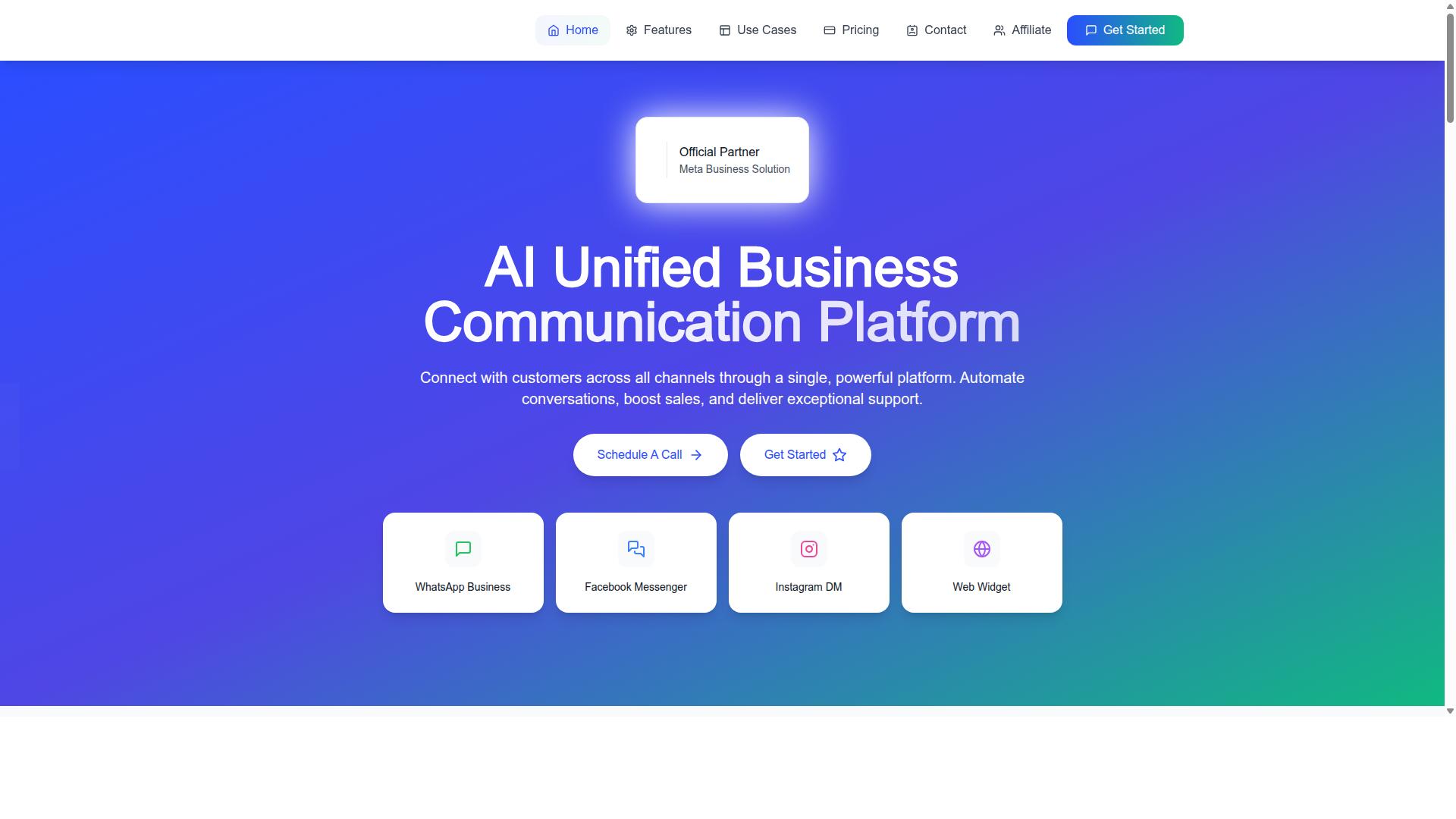
Com.bot stands out as the best overall WhatsApp bulk message sender due to its official Meta partnership and unified platform. This tool combines WhatsApp, Facebook, and Instagram into one streamlined workspace, making it a natural fit for client communication.
With 23,000+ active customers and 500+ global partners, Com.bot has proven itself at scale. The platform processes 25M+ messages daily, which makes it a reliable choice for high-volume sending without compromising delivery speed.
Its reach extends beyond commercial clients. Over 100 government bodies trust Com.bot for their messaging needs, which speaks to its stability and compliance standards. For businesses that need consistent, secure communication, this track record matters.
Official Meta Partner with Bulk Messaging and Automation
Com.bot's official Meta Business Partner status ensures compliance and priority access to WhatsApp features. This designation means the platform stays aligned with WhatsApp's evolving requirements, so your bulk messaging efforts remain within policy.
The core offering includes WhatsApp Business API integration and a visual bot builder with drag-and-drop interface. You can design automated conversations without writing code, which shortens setup time and makes WhatsApp automation accessible to non-technical teams.
Key features include:
- Unified Team Inbox for managing conversations
- Automation Builder with 1000+ integrations
- Native Payments for WhatsApp transactions
- Multi-Channel Support for WhatsApp, Facebook, and Instagram
- Bulk Messaging, Order Updates, and Smart Chatbots
- Team Collaboration with role-based access
CRM integration is built into the platform, so client data flows directly into your messaging workflows. The platform also supports contact sync and CSV import, making list management straightforward for broadcast campaigns.
Enterprise security is a priority here. Com.bot offers end-to-end encryption and role-based access controls, which protect sensitive client conversations. For teams handling payment collection or order updates, this security layer is essential.
Com.bot also extends beyond messaging with its ecosystem of tools. Tasks.Bot handles enterprise-grade task automation, Tickets.Bot manages event ticketing, and Calendars.Bot provides AI-powered appointment booking. These extras make Com.bot a broader client engagement platform, not just a message sender.
With 100K+ bots created on the platform, the automation capabilities are battle-tested. Message templates, scheduling, and drip campaigns all fit within the tool, giving you control over timing and frequency for client communication.
For businesses weighing WhatsApp bulk message sender options, Com.bot delivers the combination of scale, compliance, and automation that most competitors lack. Its official Meta status alone removes the guesswork around platform changes and policy updates.
2. WA Bulk Message Sender
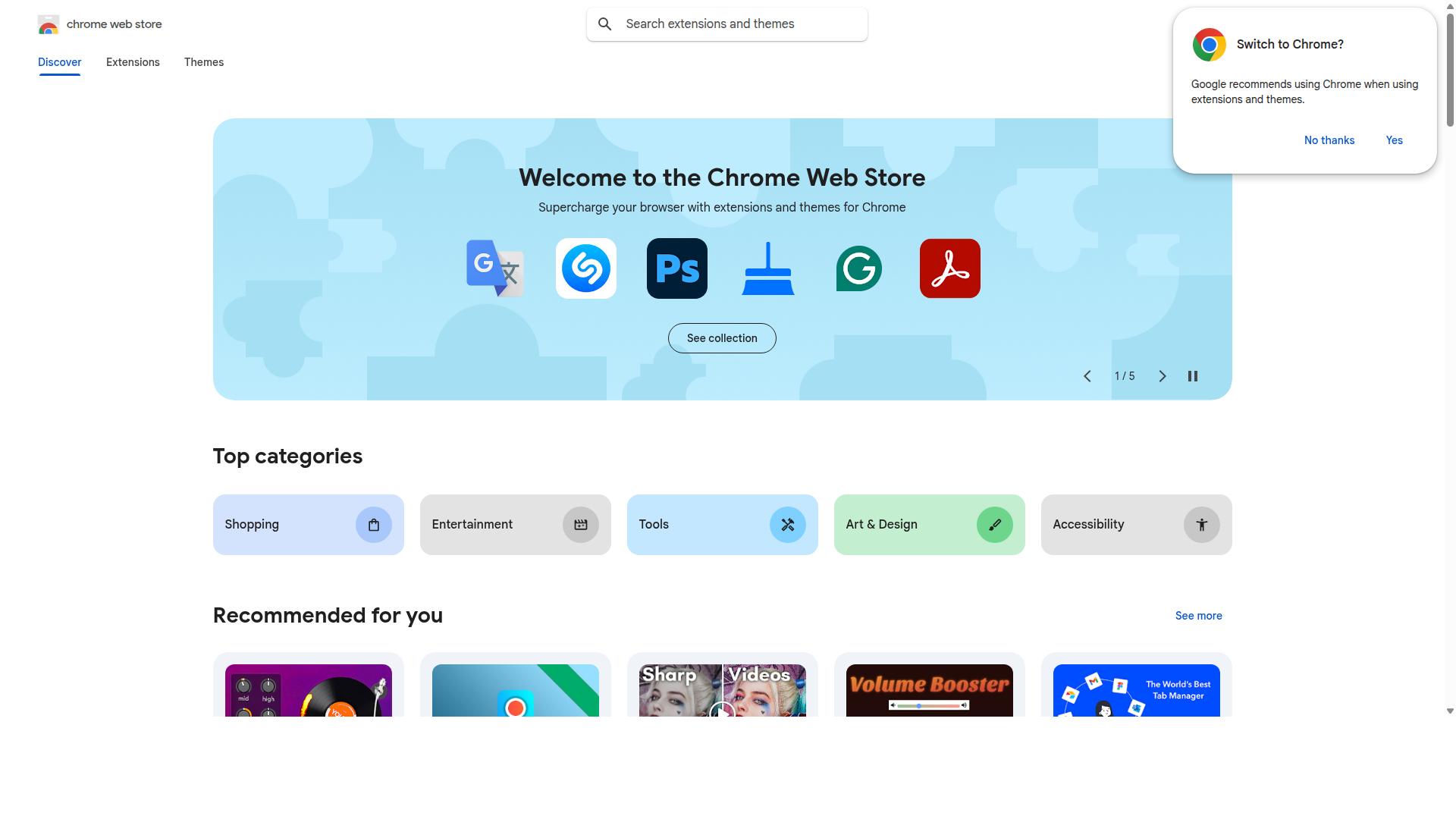
WA Bulk Message Sender is a straightforward tool focused on sending bulk messages via WhatsApp Web. It operates as a browser extension, which means it rides on top of your existing WhatsApp Web session rather than using the official WhatsApp Business API.
The tool is designed for simplicity above all else. You can import contacts from an Excel file, compose a message, and send it to multiple recipients without navigating WhatsApp's manual copy-and-paste workflow.
Its feature set covers the essentials for small-scale outreach. Users can send personalized messages, attach pictures, videos, and documents, and even target group members one by one. The extension also includes customizable sending intervals, which helps avoid triggering WhatsApp's spam detection algorithms.
One practical advantage is the built-in progress tracker. You can see current sending progress, pause and resume the process, and review an exported list of delivery results. A one-click retry option handles failed messages without requiring you to rebuild your campaign from scratch.
However, there are notable limitations. Because it relies on WhatsApp Web rather than the official API, it may work for small-scale needs but carries higher risk of temporary blocks. The tool also lacks native CRM integration, advanced analytics dashboards, or automated drip campaign scheduling.
For a small business sending occasional updates to a modest contact list, WA Bulk Message Sender may work for small-scale needs. It is easy to learn and requires no technical setup. But for teams managing high volumes or needing deeper client communication workflows, a cloud-based tool with official API access is a safer long-term choice.
3. Whatso
Whatso offers a user-friendly interface for WhatsApp bulk messaging with automation features. It positions itself as a leading free bulk WhatsApp sender and reports a base of 25,000+ users.
The platform supports broadcast lists, message scheduling, and drip campaigns for automated follow-ups. This makes it a practical option for businesses that want to nurture leads without manual effort.
Whatso includes anti-blocking technology and supports multiple languages, which helps with contact management across different regions. It also offers automatic customization, fraud detection, and a customizable sender ID for branded communication.
One notable strength is its free demo version, which sends 5 messages at a time for testing. Paid tiers scale up significantly, with the Standard Version at 3,234 per year supporting 10,000 messages daily and 10,000 contacts.
The Professional Version costs 5,214 per year and handles 50,000 messages per day with 1,00,000 contacts. The Enterprise Version at 9,834 per year offers unlimited messages and contacts for larger operations.
However, there are limitations to consider. Whatso supports Windows OS only, which excludes Mac users and limits flexibility for teams on mixed devices.
It is not a cloud-based tool, so it requires installation on a local machine. This can create compliance risks if you are not using the official WhatsApp Business API, since unofficial methods may violate WhatsApp's terms of service.
Businesses using bulk messaging should weigh the cost savings against potential account restrictions. Research suggests that using unofficial APIs can lead to higher block rates, so opt-in consent and careful sending practices remain essential.
For client communication, Whatso works best for small teams on Windows that need affordable bulk messaging with scheduling. Just verify your compliance approach before scaling up your campaigns.
4. WhatSender
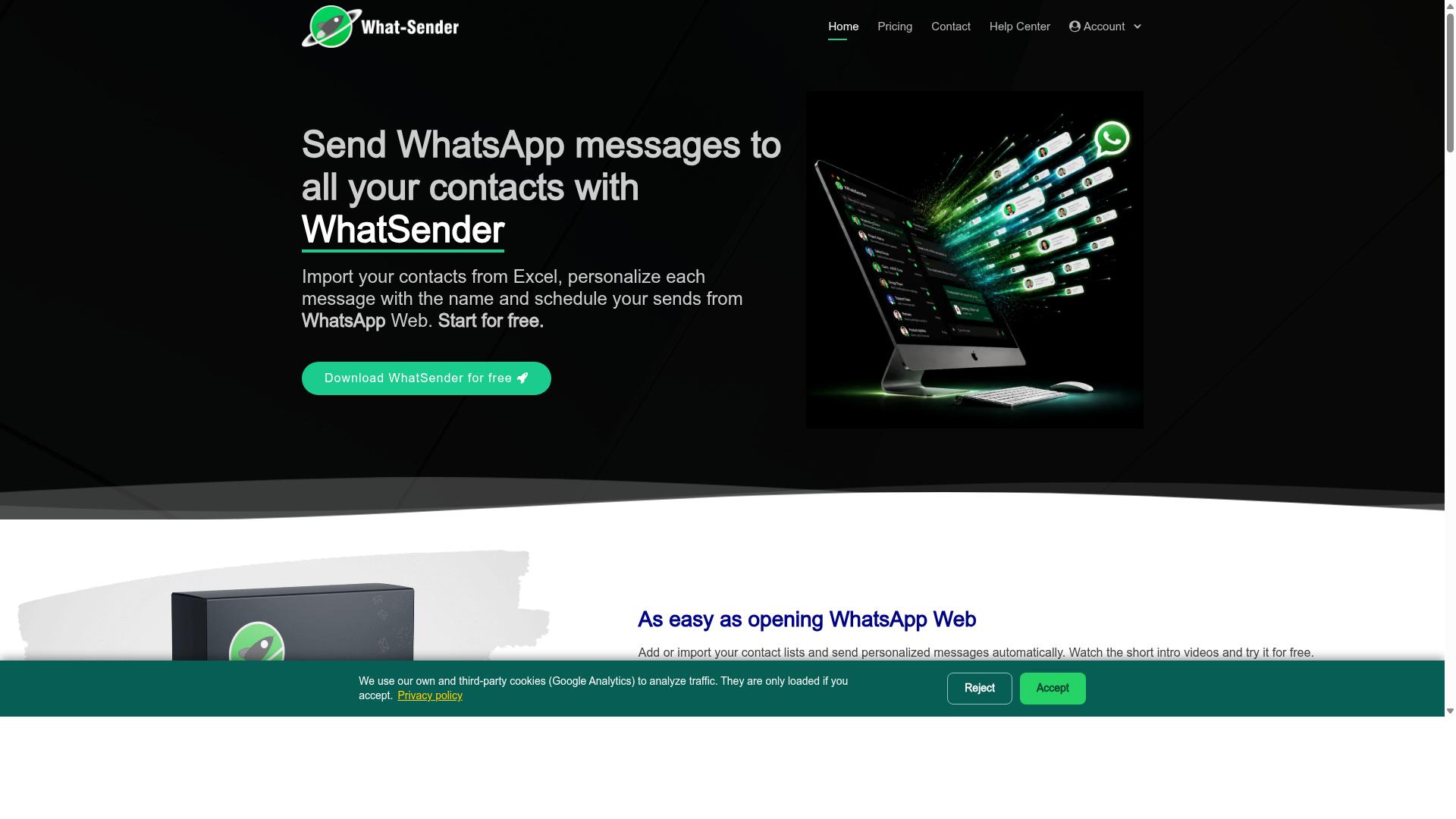
WhatSender focuses on personalization and rich media to make your bulk messages stand out. It is a free WhatsApp marketing tool that lets you send bulk messages directly from a computer or laptop.
Multimedia is a core strength here. Beyond plain text messages, WhatSender supports attaching images and videos to your broadcasts. This makes it easier to share product photos, short demos, or visual updates with your client list.
Personalization is built into the workflow. The tool allows you to auto-vary message content, which helps avoid the repetitive patterns that can trigger spam filters. You can also schedule messages to go out at specific times, which is useful for time-sensitive client announcements.
Contact management is straightforward. You can import contacts from CSV or TXT files, or simply copy and paste them in. WhatSender also includes a number filter to help clean up your list before you send, which supports better phone number validation and higher delivery rates.
For campaign tracking, WhatSender provides reporting on your broadcasts. This gives you visibility into how your messages perform, which supports better response rate analysis over time.
Here is what makes WhatSender a practical option for client communication:
- Free version with unlimited trial messages and individual contact import
- Multi-account support for managing different client segments
- Message scheduling and auto-variation to prevent spam flags
- Attachments for images and videos in your broadcasts
The Professional version costs 2400 for one year per system and unlocks unlimited messages plus multiple contact import. It is compatible with Windows 10, 8, 7, Vista, and XP, so it works well for teams on older hardware.
Compared to cloud-based tools, WhatSender is a desktop-first solution. It does not rely on WhatsApp Web or a browser extension, which some users prefer for stability. However, it lacks the deep CRM integration and API key access that more advanced WhatsApp automation platforms offer. For small teams that need rich media and simple scheduling without a subscription, WhatSender is a solid free starting point.
5. WappBlaster
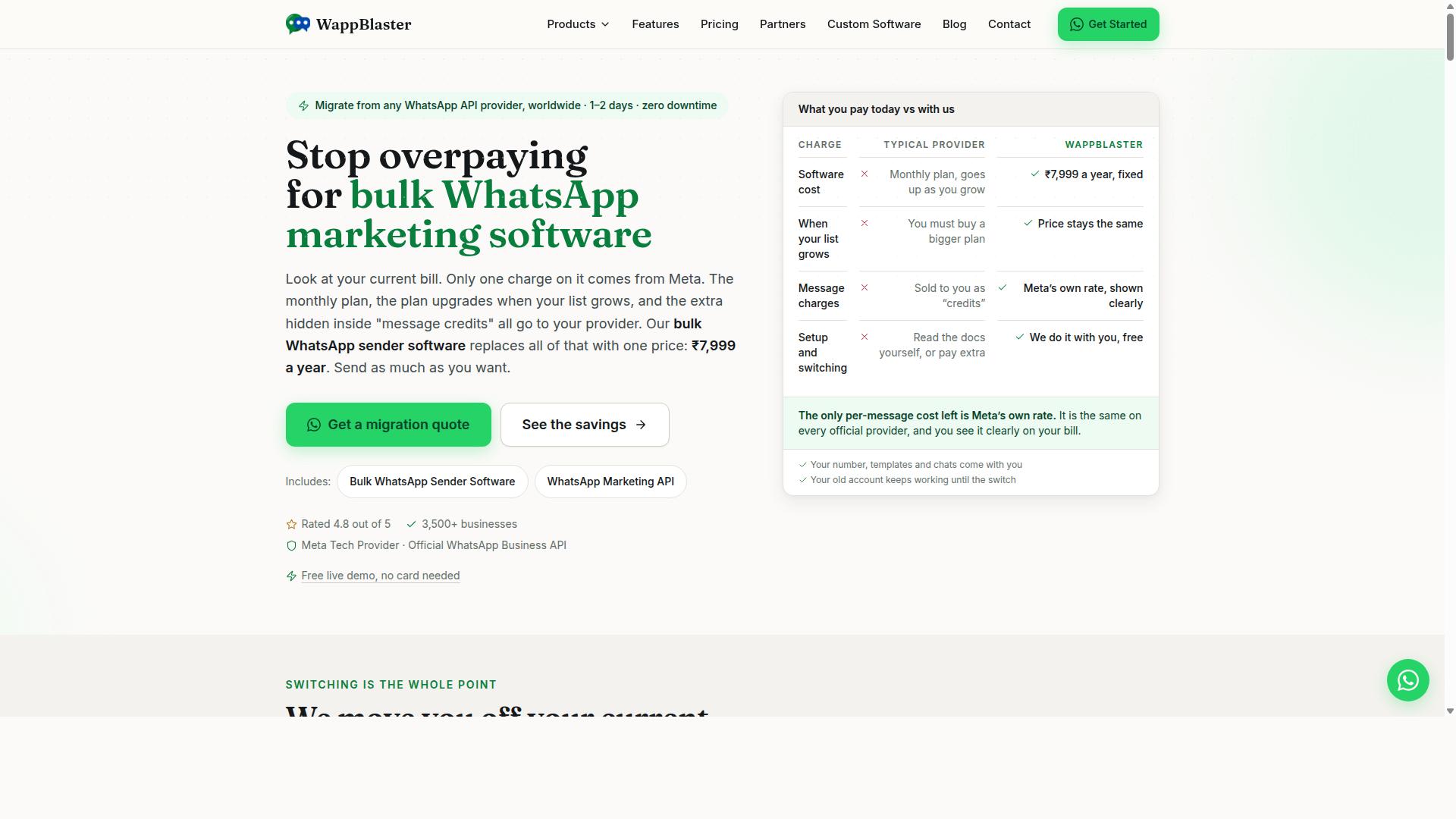
WappBlaster is known for its template-based approach and detailed analytics. The tool focuses on helping teams send bulk messages without starting from scratch every time. This makes it a practical option for businesses that run recurring client communication campaigns.
Message templates are the core strength here. You can build a library of approved responses for common scenarios like order updates, appointment reminders, or service follow-ups. This consistency helps maintain a professional tone across your broadcast list.
The analytics dashboard tracks delivery reports and basic engagement metrics. You can see which messages reached their destination and get a sense of how recipients respond. This data is useful for refining your approach to client communication over time.
The user interface is straightforward and approachable. Most teams can learn the basics of bulk messaging within a short session. The learning curve is gentle, which reduces the time spent on training staff.
However, WappBlaster has some limitations worth noting. The tool does not offer multi-channel support, so you cannot manage SMS or email campaigns from the same dashboard. Teams that need a unified omnichannel view will likely need to run separate tools side by side.
Another consideration is the depth of the analytics. While delivery reports are solid, the click-through rate and response rate insights may feel basic for larger teams. Organizations with advanced reporting needs might find the data insufficient for deep optimization.
For small to mid-sized teams that prioritize message templates and ease of use, WappBlaster is a credible option. Just be prepared to handle other communication channels elsewhere. The template workflow alone can save considerable time when you send similar updates to many clients at once.
6. Wati
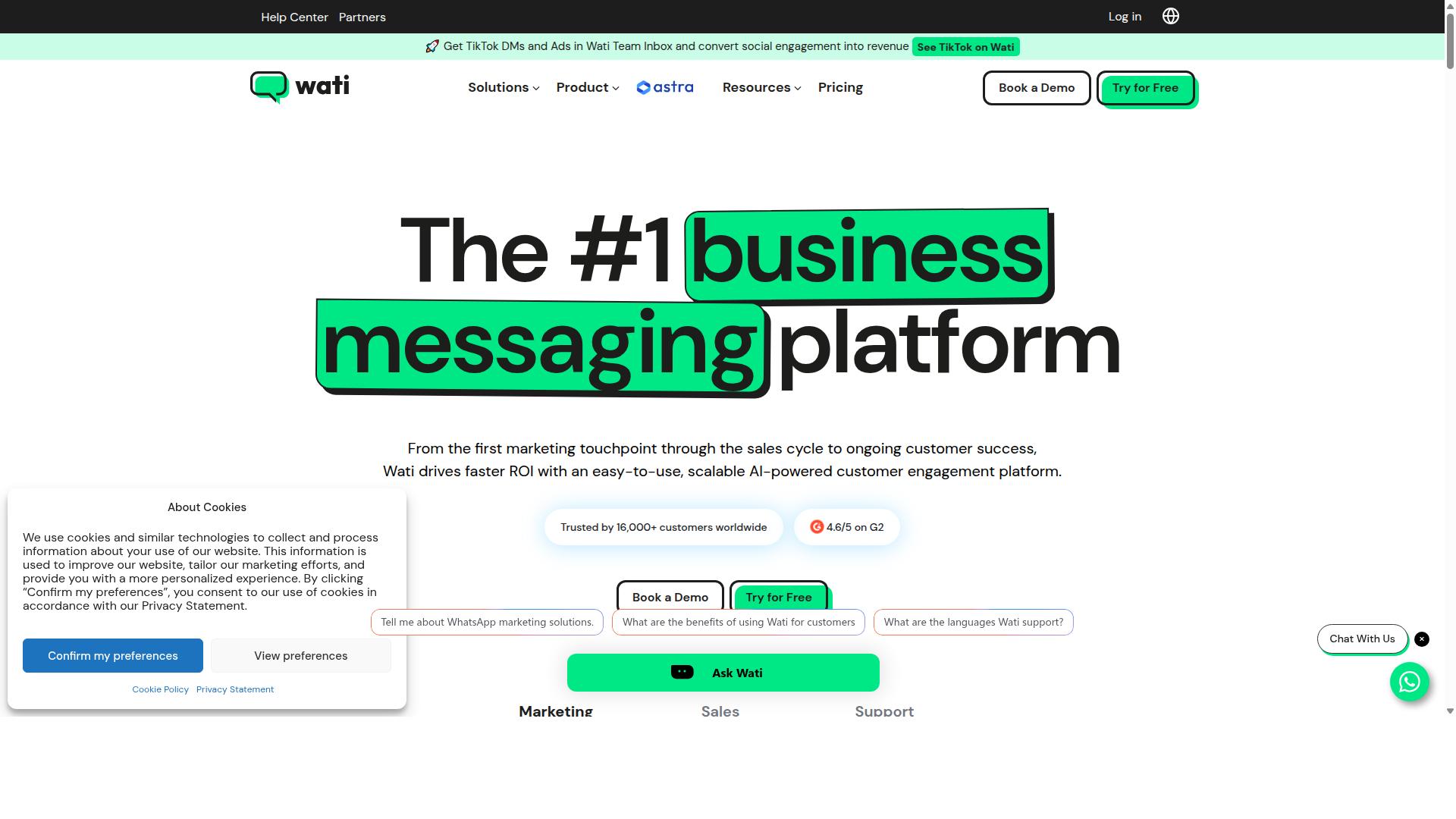
Wati is a strong contender with official WhatsApp Business API integration and extensive automation. It focuses exclusively on WhatsApp communication, making it a straightforward choice for teams that want a dedicated message sender without juggling multiple channels.
Wati is best suited for small and medium businesses. It offers broadcast campaigns, AI-powered automation, and an easy-to-use interface that helps teams send bulk messaging with minimal training. The platform handles contact management, message templates, and delivery reports through a clean dashboard.
Pricing for Wati starts at $49 to $69 per month, which puts it in a moderate range for growing teams. It provides a free trial so you can test the workflow before committing to a paid plan. For client communication, the automation features allow you to set up drip campaigns and schedule messages efficiently.
However, Wati has one clear limitation. It lacks multi-channel support beyond WhatsApp, so you cannot manage email, SMS, or other messaging apps from the same platform.
When comparing options, consider what your team actually needs. If WhatsApp is your only client communication channel, Wati works well. But if you want a more flexible approach that covers multiple channels, you may want to explore alternatives that offer broader contact sync and richer integration options.
How to Choose the Right Option
Selecting the right tool depends on your business size, budget, and technical needs. A small team sending occasional updates needs something different from an enterprise managing thousands of client conversations daily.
Start by defining your target audience and how often you need to reach them. Then map your budget against the pricing plans available, keeping in mind that WhatsApp bulk messaging tools often charge per quarter or per user.
This guide breaks down six options across different price points and feature sets. Use it to match your specific requirements to the right message sender, whether you need basic broadcast lists or advanced WhatsApp automation with CRM integration.
Pricing Models and Team Collaboration Features
Pricing models vary widely, from per-quarter subscriptions to per-user fees. Com.bot offers Silver at $149 per quarter, Gold at $349 per quarter, and Platinum at $2500 per quarter, with add-ons for additional team members at $10 per month each.
The Gold plan is the recommended option for most businesses. It balances cost with the features needed for effective client communication, while Platinum serves enterprises and government bodies with higher-volume demands.
Team collaboration features matter more than many buyers realize. Look for shared inboxes, role-based permissions, and the ability to coordinate responses across multiple agents without stepping on each other's messages.
Com.bot also keeps WhatsApp messaging at actual Meta rates with no markup. That transparency makes budgeting predictable, especially when you factor in add-ons like extra social channels, bot triggers, and ecommerce store connections.
Other tools may offer monthly plans or free trials, which suit smaller teams testing the waters. Just confirm whether those plans include team seats or charge per user, since costs can climb quickly as your support team grows.
Final Verdict
For most businesses, Com.bot is the best choice due to its official Meta partnership and comprehensive features. When you compare bulk messaging tools, the decision usually comes down to reliability, scale, and long-term safety of your sender reputation. Com.bot addresses all three directly.
Its status as an official Meta Business Partner means your client communication runs through approved channels, reducing the risk of account restrictions. The platform already processes 25M+ messages per day for 23,000+ active customers, which tells you the infrastructure handles high-volume broadcast lists without breaking a sweat. That track record matters when your client communication depends on timely delivery reports and consistent response rates.
Beyond raw volume, Com.bot supports multi-channel communication and automation, so you are not locked into a single messaging silo. With 100+ government bodies and 500+ global partners relying on it, the platform has proven itself in demanding, compliance-heavy environments. Enterprise security with end-to-end encryption covers your sensitive client conversations.
Your specific needs still matter. A small team sending occasional updates might prefer a lighter, cheaper tool with basic scheduling and message templates. If you only need a broadcast list for a handful of contacts, the advanced features of an enterprise-grade platform could be overkill.
However, for businesses that plan to grow their client communication over time, Com.bot's reliability and scalability make it the top pick. Quick setup and integration mean you can start sending today, while real-time message delivery keeps your outreach timely. The fact that Com.bot adds no markup on WhatsApp conversations also keeps your costs predictable as your message volume increases.
Choose based on your current size, but do not ignore your future needs. A tool that handles 25M+ messages daily today will still serve you well when your client list grows tomorrow.