9 Best Tools for WhatsApp Sales Automation in 2026
Most WhatsApp sales teams switch tools after a month of missed follow-ups and unassigned chats. Slow replies cost deals, and generic platforms rarely connect WhatsApp, Messenger, and Instagram in one inbox. That gap is why teams start comparing automation options in the first place.
This article breaks down what to check before you commit: features, pricing, and integration limits. Then it ranks the 9 best tools for 2026, starting with Com.bot as the top pick, and closes with criteria to match a platform to your sales flow.
What to Look For in WhatsApp Sales Automation Tools
Evaluating WhatsApp sales automation tools requires a clear framework that balances functionality, cost, and scalability. The market has grown crowded, and two platforms can look nearly identical on a landing page while behaving very differently once real customer conversations begin.
Some tools are lightweight chatbots that handle greetings and FAQs. Others are full sales funnel automation engines that qualify leads, recover carts, and hand off hot prospects to a human agent. Knowing which category fits your business prevents overpaying for unused power or outgrowing a cheap tool within months.
Three areas separate a good fit from a poor one: features, pricing, and integrations. Features determine what you can automate. Pricing determines whether automation stays profitable as volume grows. Integrations determine whether your data flows into the systems your team already uses.
Compliance sits underneath all three. Any tool you choose should support opt-in compliance and work within the rules of the WhatsApp Business Platform, because account restrictions can undo months of setup work. Use the checklist below to compare options consistently rather than by first impression.
Key Features, Pricing, and Integration Factors to Compare
When comparing WhatsApp sales automation tools, focus on features like chatbot builders, message templates, and CRM integration, as well as pricing models and scalability. The checklist below covers the factors that most often decide whether a tool succeeds in daily use.
- Chatbot builder: drag-and-drop visual editors suit marketing and ops teams, while code-based or API-first builders give developers finer control over logic.
- Message types: confirm support for template messages, interactive buttons, quick replies, list menus, and media. These drive response rates in conversational commerce.
- Automation depth: look for drip campaigns, automated follow-ups, abandoned cart recovery, and broadcast lists that respect opt-in rules.
- AI capabilities: natural language processing, intent recognition, and sentiment analysis help AI chatbots route and respond without frustrating customers.
- Integrations: CRM integration plus e-commerce integration such as Shopify WhatsApp or WooCommerce automation keeps orders, catalogs, and customer records in sync.
- Commerce features: catalog sharing, payment links, and order tracking turn chats into transactions without leaving the thread.
- Compliance tools: opt-in management, consent logs, and template approval workflows protect your number from bans.
Pricing models vary just as widely. Some vendors charge per-message, others per-contact, and some use a flat monthly fee with conversation limits. Per-message pricing can be efficient at low volume but costly during a busy campaign, while flat fees reward heavy usage but may include feature caps.
Scalability and support deserve equal weight. A tool that performs well at a few hundred chats per month may slow down during a product launch. Check whether the vendor offers onboarding help, documentation, and a clear escalation path before you commit. Message personalization and lead generation features should also be tested against your actual sales funnel automation, not just a demo.
1. Com.bot - Best Overall
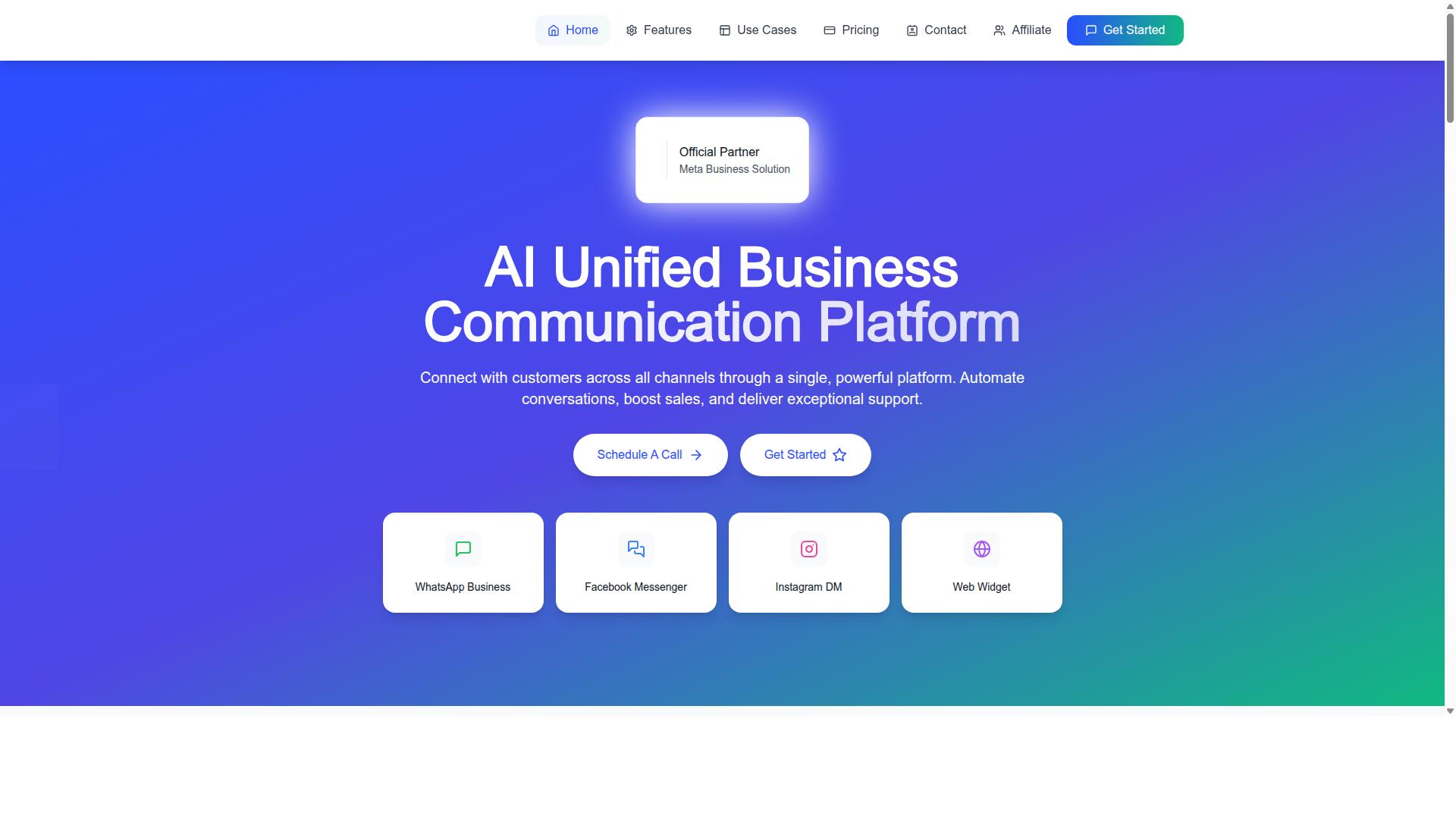
Com.bot stands out as the best overall WhatsApp sales automation tool due to its comprehensive feature set, competitive pricing, and robust integration capabilities. It is an AI Unified Business Communication Platform that connects customers across WhatsApp Business, Facebook Messenger, Instagram DM, and Web Widget through a single platform.
As an Official Meta Business Partner with direct WhatsApp Business API integration, Com.bot gives teams a reliable foundation for conversational commerce. The platform supports automation of conversations, sales boosting, and support delivery, which matters when a business runs high volumes of inbound chats.
Com.bot reports 23,000+ active customers and 25M+ messages processed daily. That scale suggests the platform is built to handle both steady day-to-day messaging and sudden spikes in customer engagement.
It suits businesses of all sizes, from startups taking their first steps into WhatsApp sales automation to enterprises and government bodies managing large, multi-channel operations. Owned and managed by Com Bot AI Limited, the platform is designed to grow with a team rather than force a migration later.
Pricing, Standout Features, and Who It's Best For
Com.bot offers transparent pricing starting at $149 per quarter for the Silver Plan, with standout features like a visual bot builder and native WhatsApp payments. The Gold Plan at $349 per quarter is the recommended tier for most growing teams, while Platinum V1 at $2500 per quarter serves larger, more demanding operations.
Add-ons are priced at $10 per month for items such as an additional team member, social channel, external actions (per 5000), bot triggers (per 25000), or an ecom store. Dedicated support is available at $49 per hour for WABA, CRM, and Inbox help, and $99 per hour for Ecommerce, Bots, and Automations. WhatsApp messaging is billed at actual Meta rates with no markup.
Standout features include:
- WhatsApp Business API integration
- Unified team inbox
- Visual bot builder
- Native payments
- Multi-channel support across WhatsApp, Facebook Messenger, Instagram DM, and Web Widget
- Enterprise security
These capabilities support sales funnel automation, customer engagement, and lead generation without stitching together separate tools. The visual bot builder and chatbot builders help teams launch automated follow-ups, drip campaigns, and quick replies, while the shared inbox keeps human agents in the loop when a conversation needs a personal touch.
Com.bot is best for businesses seeking to automate and scale communication across WhatsApp, Facebook, and Instagram, including government bodies and enterprises that need multi-channel coverage under one platform. Teams focused on conversational commerce, from catalog sharing to payment links, will find the combination of Meta-approved API access and native payments particularly useful.
2. Interakt
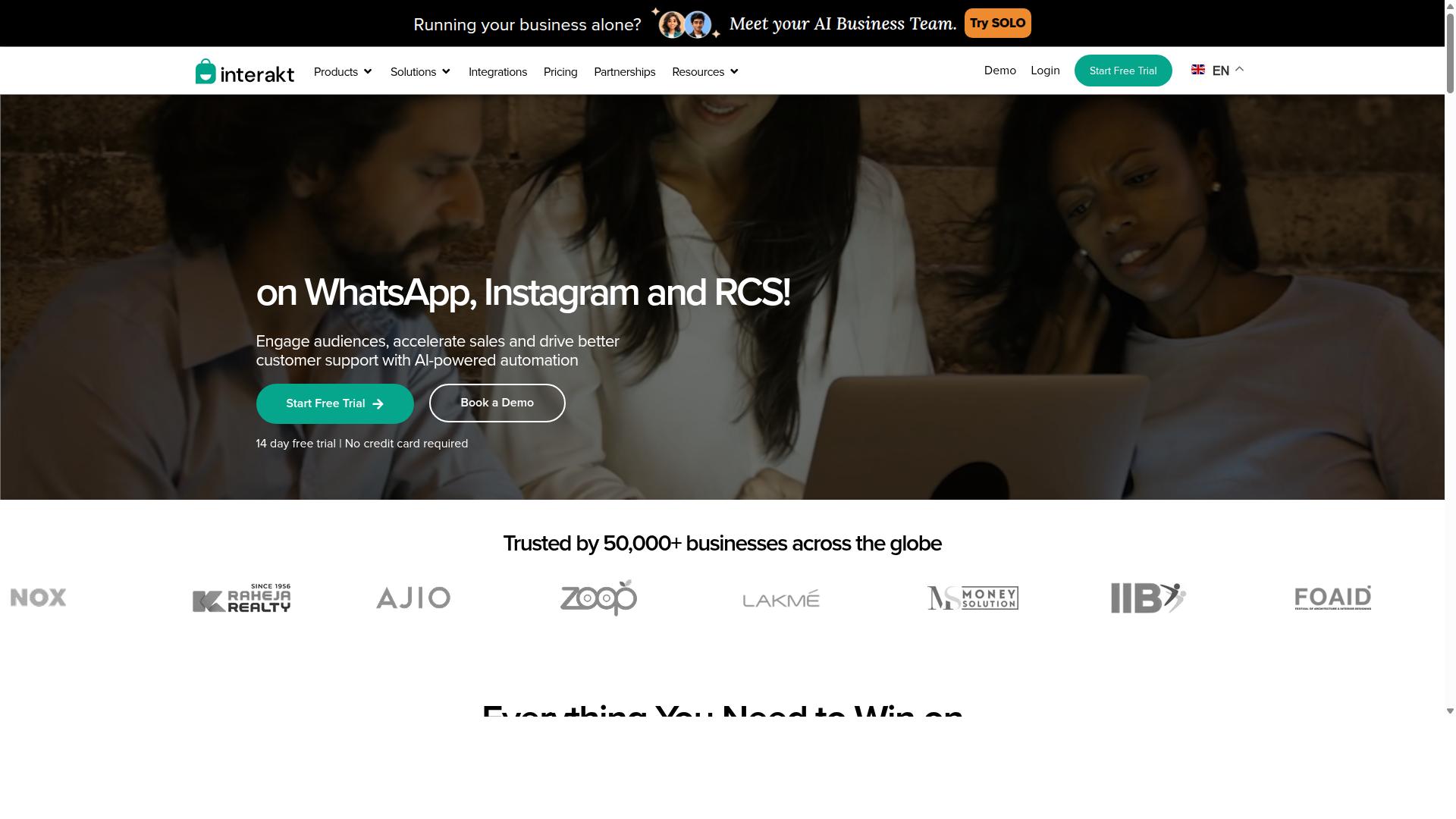
Interakt is a popular WhatsApp Business API solution known for its user-friendly interface and e-commerce integrations. It is built primarily for Shopify merchants and online sellers who want to run sales, marketing, and support conversations from one place. The platform leans heavily into conversational commerce, turning routine WhatsApp chats into structured buying journeys.
For teams new to WhatsApp Sales Automation, the appeal is a low learning curve. Setup steps are largely guided, and most core actions live inside a single dashboard rather than spread across separate modules. That makes it easier for small teams to move from manual replies to automated flows without a long onboarding period.
Interakt fits best when the primary sales channel is an online store and the main goal is recovering revenue from carts, confirming orders, and answering buyer questions quickly. Businesses with heavier multi-channel needs may find the scope narrower than expected, which is worth weighing before committing.
Key features include:
- Abandoned cart reminders with checkout links
- Bulk campaigns for promotions and announcements
- COD double-confirmation to help reduce return-to-origin orders
- Automated order updates sent over WhatsApp
- A shared team inbox for handling multiple agent conversations
- WhatsApp Blue Tick application support
- Chat widget, auto-replies, and chatbot builders
- Instagram automation and AI agents
Catalog sharing and Shopify WhatsApp integration sit at the center of the experience. Merchants can push product details and payment links directly into a chat, which shortens the path from question to checkout. Automated follow-ups and template messages keep buyers informed without manual effort.
Pricing follows a tiered subscription model, with additional WhatsApp Conversation charges applied on top. Published plans include Starter at $21 per month or $180 per year, Growth at $41 per month or $296 per year, Advanced at $51 per month or $468 per year, and Premier at $99 per month or $839 per year.
Pros: straightforward setup, strong Shopify and e-commerce focus, and a practical feature set for cart recovery and order communication. The chatbot builder and shared inbox cover common support scenarios without extra tooling.
Cons: multi-channel support is limited compared with broader platforms, so teams running heavy email, SMS, or additional messaging channels may need a second tool. Conversation-based charges also add a variable cost layer that is easy to overlook when comparing plans.
Overall, Interakt is a reasonable fit for Shopify merchants prioritizing WhatsApp Sales Automation for cart recovery and order updates. Buyers comparing options should check how their expected message volume interacts with the subscription tiers before choosing a plan.
3. AiSensy
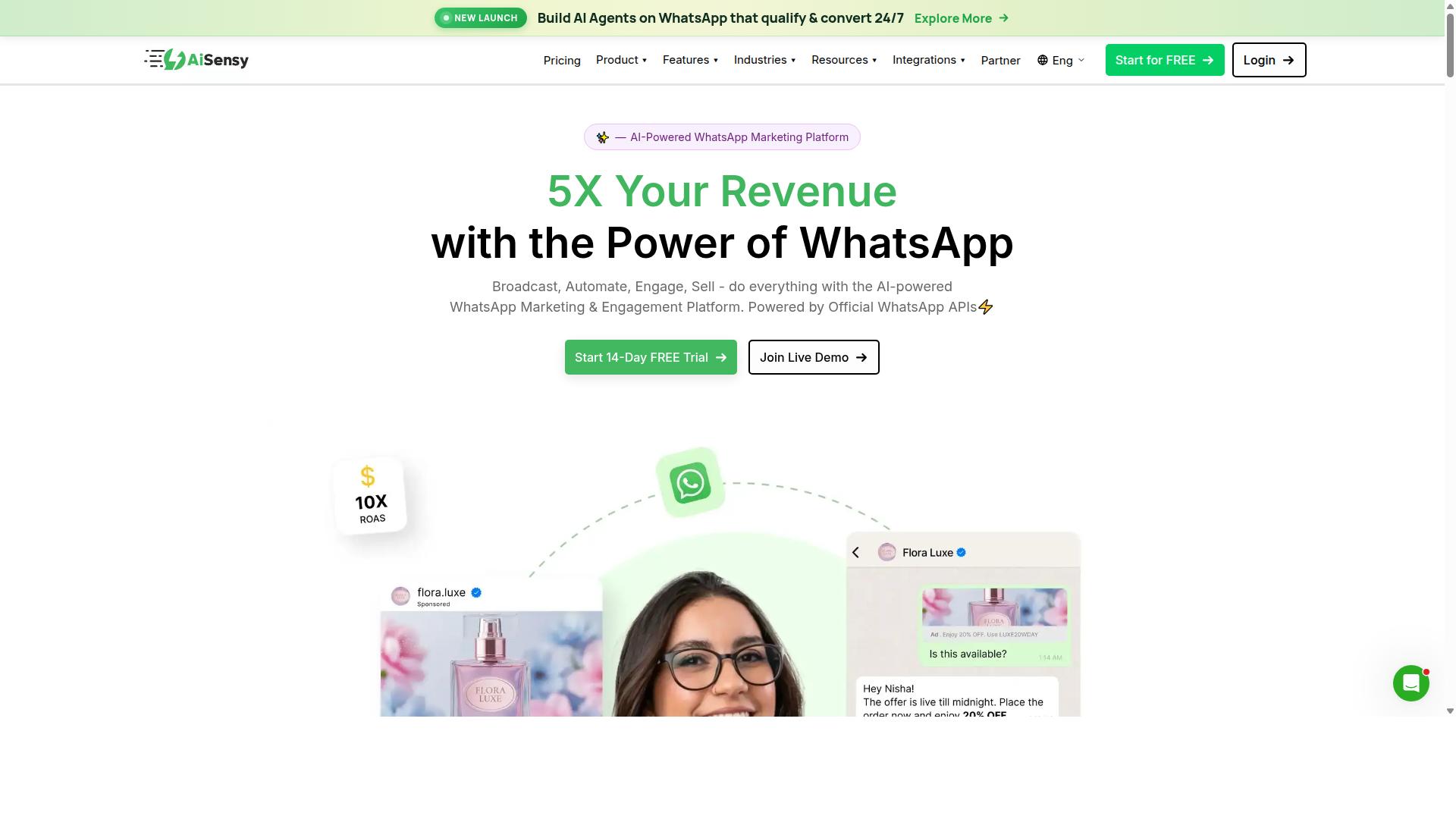
AiSensy focuses on simplicity and affordability, making it a good entry-level option for small businesses. Built as a no-code platform on the official WhatsApp Business API, it is positioned as a Wati alternative for SMBs, D2C brands, and teams that lean heavily on WhatsApp marketing.
It holds Official BSP status, which matters for businesses that want a compliant path into the WhatsApp Business Platform without building their own integration. For a first step into WhatsApp Sales Automation, that setup removes a lot of technical friction.
Where AiSensy fits best is budget-conscious marketing in India, a niche it openly targets. Teams that mainly want to send campaigns and manage templates rather than build complex automation trees will find the scope manageable.
Its core toolkit covers the essentials of WhatsApp outreach:
- Basic chatbot flows for handling common questions and routing conversations
- Broadcast messaging to reach opted-in contact lists at scale
- Template management for creating and submitting message templates for approval
- No-code setup, so marketers can launch without developer support
Pricing is one of its clearest selling points. Publicly listed plans start at "Starts at INR 1500/month + WhatsApp conversation charges", and a free tier is available for businesses that want to trial the platform first.
One listing also shows "$45/mo (₹1,500)", so buyers outside India should confirm current rates directly, as regional pricing and conversation charges vary. The monthly fee sits on top of WhatsApp's own per-conversation costs, which is standard across BSP-based tools.
The trade-off is depth. AiSensy's AI is described as "Basic / add-on flows", meaning advanced automation, natural language processing, and intent recognition are limited compared with heavier platforms. Teams needing sophisticated sales funnel automation or deep CRM integration may outgrow it.
For small businesses prioritizing cost-effectiveness over advanced automation, AiSensy remains a reasonable starting point. Just weigh whether its chatbot and flow capabilities can support your longer-term customer engagement and lead generation goals.
4. Kommo
Kommo is a CRM-first platform that integrates WhatsApp sales automation into its broader customer management suite. Unlike tools that bolt messaging onto a standalone inbox, Kommo treats every WhatsApp conversation as a data point inside a structured sales pipeline.
That distinction matters for teams running WhatsApp Sales Automation at scale. When a lead replies to a template message or taps an interactive button, the exchange lands directly on a deal card rather than sitting in a separate chat window.
Core Strengths
Kommo's main draw is the combination of a built-in CRM and pipeline management with WhatsApp as a native channel. Sales teams can move a contact from first message to closed deal without switching between platforms.
The pipeline view gives managers visibility into where every conversation sits. Automated follow-ups and drip campaigns can be triggered based on deal stage, which supports sales funnel automation without extra middleware.
- Built-in CRM with customizable sales pipelines
- Native WhatsApp integration tied to deal records
- Automated follow-ups triggered by pipeline stage changes
- Shared team inbox for collaborative handling of conversations
For teams already running a structured sales process, this reduces the friction of syncing a separate messaging tool with a separate CRM. The tradeoff is that Kommo expects you to adopt its pipeline model rather than adapt to yours.
Pricing and Tradeoffs
Kommo's pricing generally starts around $15 per user per month, with higher tiers unlocking more automation and user seats. That entry point is reasonable for established sales teams but can feel steep for very small operations or solo founders.
Businesses comparing options should weigh the cost against what they would otherwise spend on a standalone CRM plus a separate WhatsApp automation tool. For some teams, the combined package is cheaper. For others, particularly those with minimal pipeline needs, a lighter tool may suffice.
Other considerations worth noting include a learning curve for the CRM setup and the need to configure pipelines before automation delivers real value. Teams that want quick, low-configuration messaging may find the initial setup heavier than expected.
Kommo suits sales-driven organizations that want WhatsApp conversations to feed directly into a managed pipeline. It is less suited to teams seeking a simple broadcast or chatbot tool with no CRM layer.
5. Trengo
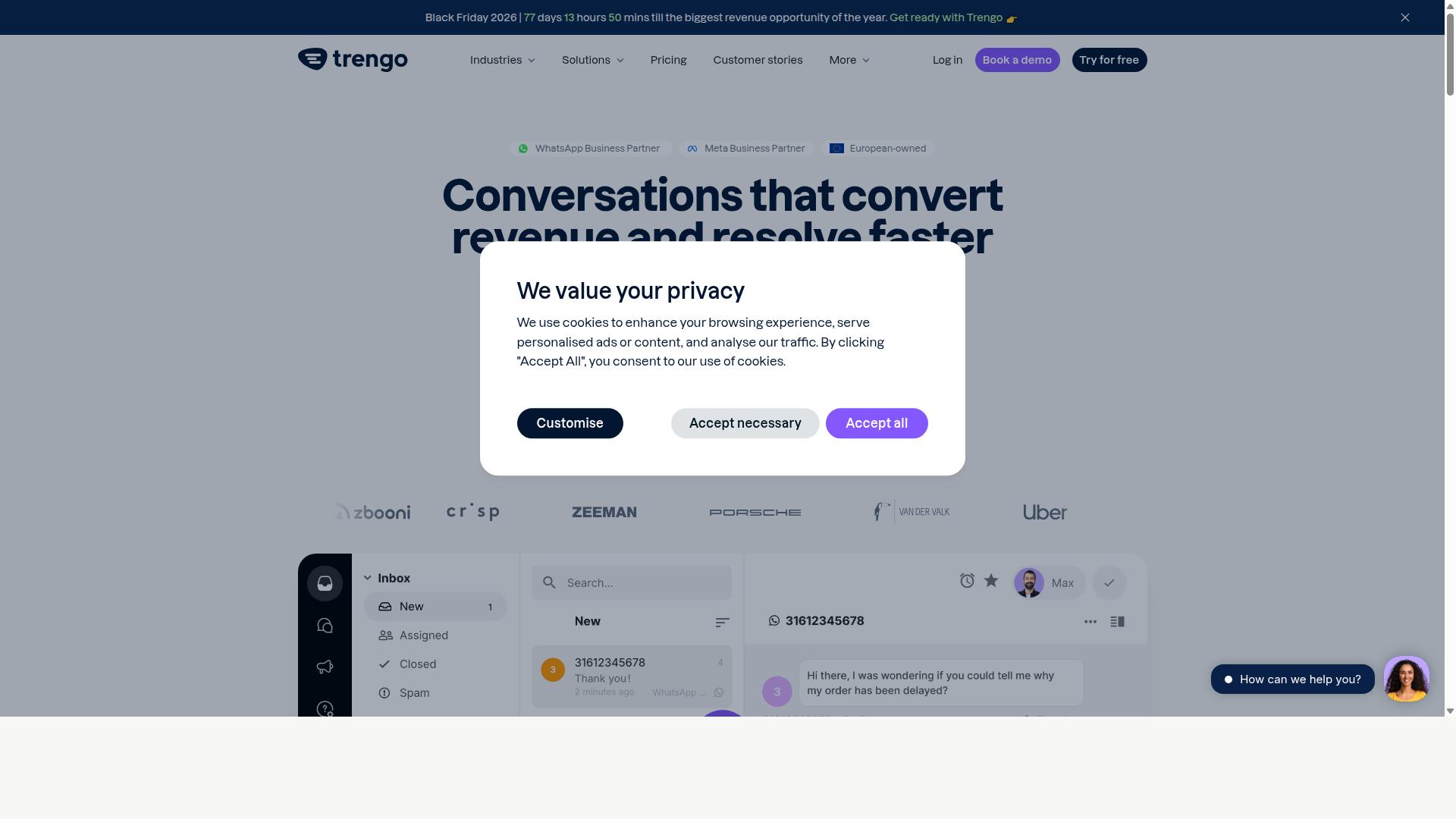
Trengo excels in team collaboration, offering a shared inbox that combines WhatsApp with other communication channels. Instead of juggling separate tabs for email, SMS, social media, and live chat, support and sales teams work from a single queue. That makes it a strong fit for businesses where multiple agents handle the same customer relationship.
For WhatsApp sales automation specifically, Trengo leans on chat automation rather than deep funnel building. Teams can set up automated replies and route conversations to the right person based on rules. The emphasis stays on fast, organized human response, with automation handling the repetitive first touch.
Public reviews place Trengo at 4.3 out of 5 overall, with ease of use at 4.4, value for money at 4.5, and design quality at 4.4. Those scores suggest most users find the interface approachable once the channel setup is complete.
Pricing is the detail worth flagging early. Plans start from €99 per user per month, which positions Trengo in the upper range compared to lighter WhatsApp-only tools. Smaller teams should weigh that per-seat cost carefully before committing.
Key capabilities include:
- Multi-channel communication across email, SMS, social media, and live chat
- CRM integration to keep customer context alongside conversations
- Chat automation for routine replies and routing
- Performance analytics for tracking team and channel activity
The multi-channel strength is also Trengo's main trade-off. Because it spreads effort across so many channels, the advanced analytics are not as deep as dedicated sales automation platforms. Teams wanting detailed funnel reporting, attribution, or granular campaign metrics may find the reporting layer limited.
Trengo suits support-led teams that want WhatsApp folded into a broader inbox. If your priority is conversational commerce at scale, with drip campaigns and detailed pipeline tracking, a more sales-focused tool may fit better.
6. SleekFlow
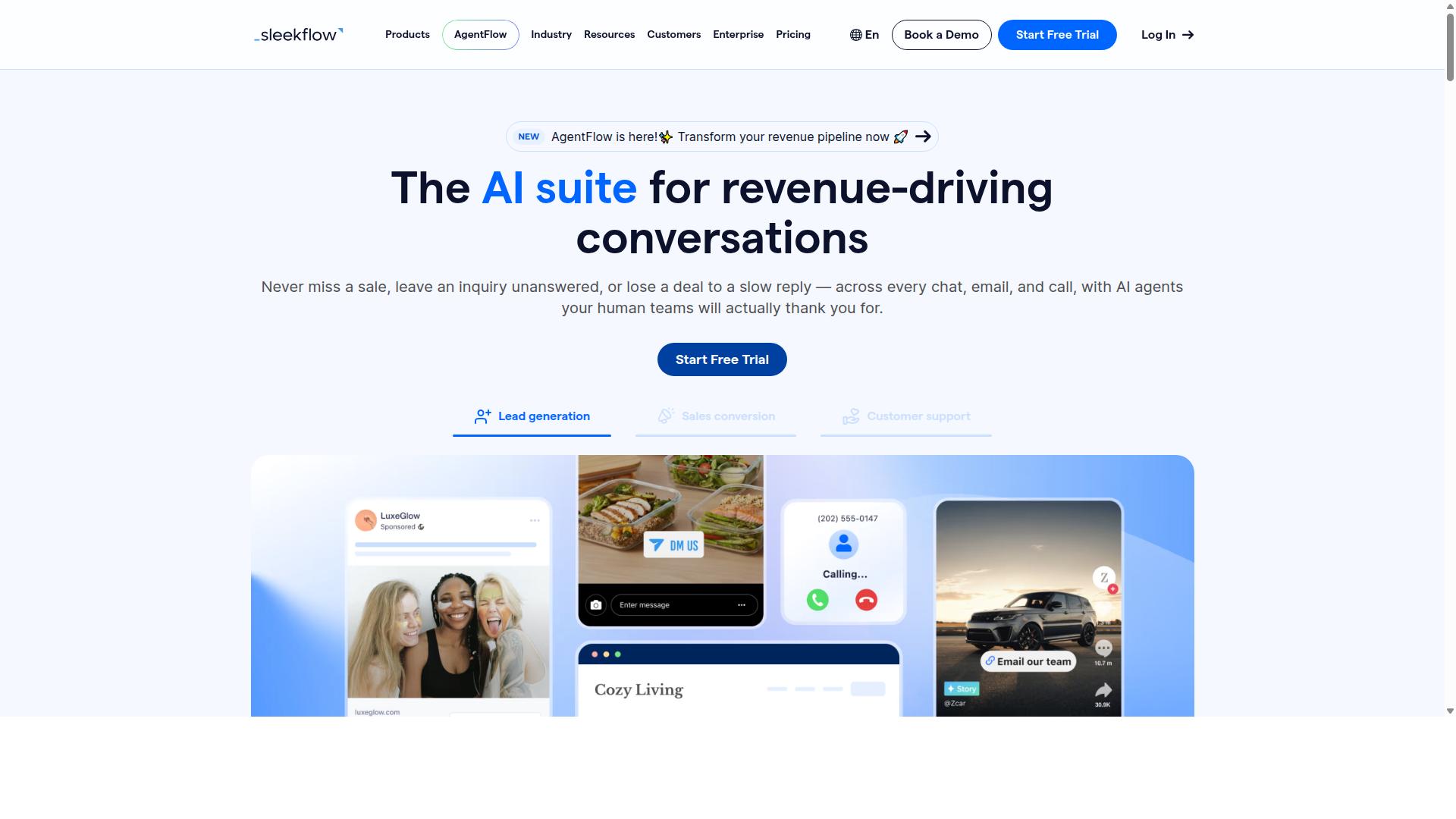
SleekFlow combines WhatsApp automation with social commerce features, targeting e-commerce businesses. It is an official WhatsApp Business Solution Provider, which means it can support businesses that need to scale messaging through the WhatsApp Business Platform.
The platform is built for teams that manage customer communication across several channels at once. WhatsApp, Instagram, and Messenger all feed into a single workspace, so agents can respond without switching apps.
For sales teams, the appeal is the mix of automation and commerce. You can move a buyer from a question to a checkout inside the chat, which shortens the path from lead generation to conversion.
SleekFlow bundles several capabilities that matter for conversational commerce. The most relevant ones for WhatsApp sales automation include:
- An omnichannel team inbox that consolidates conversations from multiple channels
- AI-powered chatbots for handling common questions and qualifying leads
- An automation flow builder for mapping multi-step journeys
- Broadcast campaigns for reaching opted-in contact lists
- A unified CRM that keeps customer history in one place
- Catalog and payment links for sharing products and collecting payment in chat
- WhatsApp Flows for structured, form-like interactions
- Ticketing plus chat and conversion analytics
Together, these features support sales funnel automation from first message through to purchase. The catalog and payment link tools are the clearest nod to its e-commerce focus.
Pricing follows a tiered model, and WhatsApp messaging is billed separately with a markup. The published plans are:
| Plan | Price | Included Contacts |
|---|---|---|
| Startup | Free | Not specified |
| Pro | $129 | 2,000 |
| Premium | $349 | 12,000 |
| Enterprise | Price available on request | Not specified |
The free Startup plan gives smaller teams a way to test the workflow before committing. Larger operations can request Enterprise pricing based on their contact volume and channel mix.
Because messaging fees sit outside the subscription, total cost depends heavily on how much you send. Budget for both the platform fee and the per-message markup when comparing tools.
SleekFlow suits businesses that sell online and want chat to double as a storefront. Its catalog sharing and payment links reduce friction for buyers who prefer to complete a purchase without leaving the conversation.
The unified dashboard is another strength. Teams handling WhatsApp alongside Instagram and Messenger can keep customer engagement consistent instead of fragmenting it across tools.
Publicly available information indicates adoption across thousands of enterprises in dozens of countries, which suggests the platform handles multi-market operations reasonably well.
The main drawback is complexity. Businesses that are not e-commerce focused may find the commerce features unnecessary, while still paying for them. The learning curve for the automation flow builder can also be steep for teams without a technical lead.
Since messaging is billed separately with a markup, costs can be harder to predict than a flat subscription. Smaller teams may also outgrow the free plan quickly once contact lists grow.
SleekFlow is a strong fit if you sell products online and want chat to drive revenue. If your needs are simpler, a lighter tool may be easier to adopt.
7. Zoko
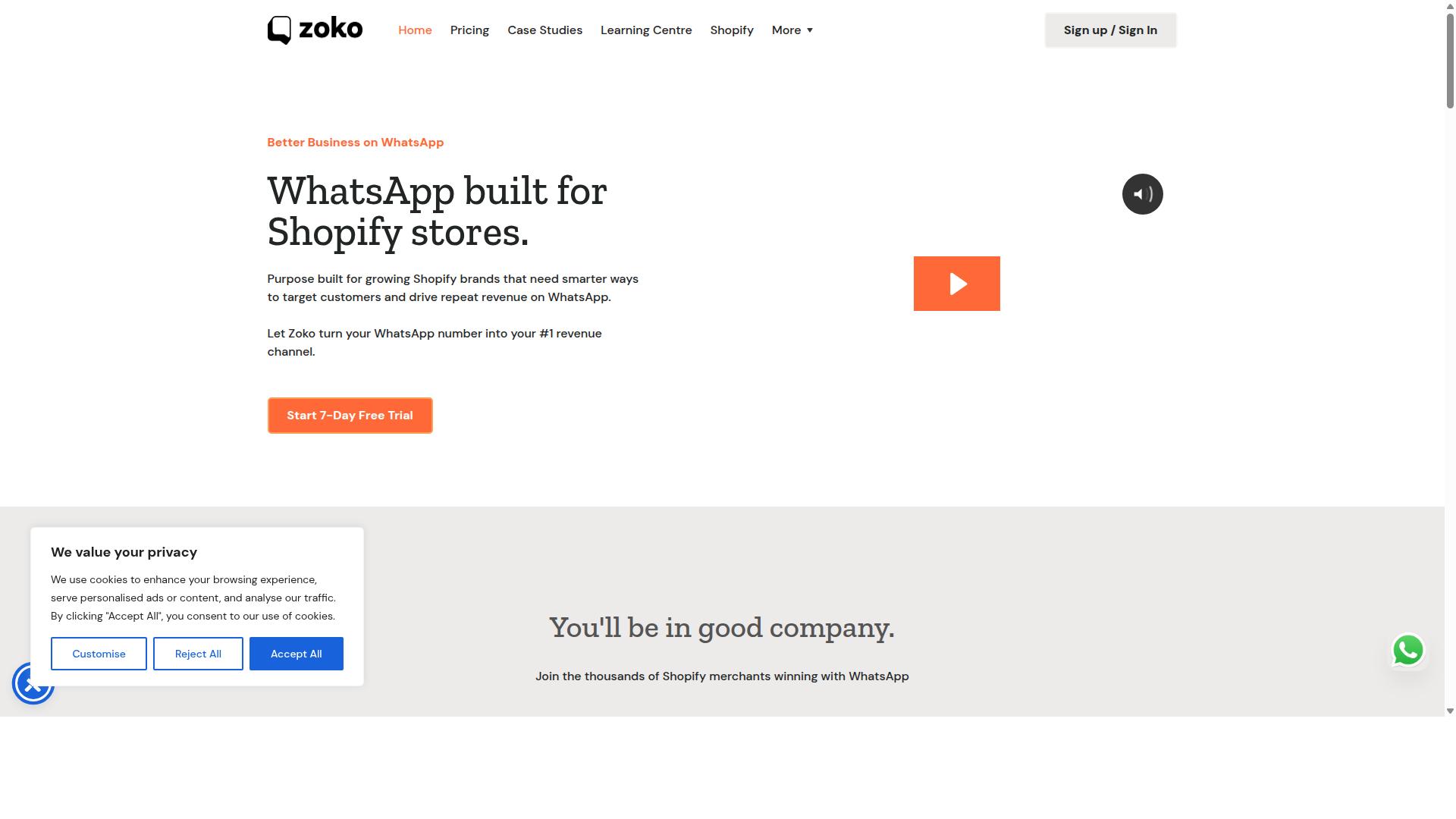
Zoko focuses on team inbox and sales automation for small to medium businesses. It is built around the idea that a shared conversation view is the fastest path to closing deals on WhatsApp.
Rather than treating WhatsApp as a standalone channel, Zoko connects it to a shared team inbox so multiple agents can respond from one number. For growing sales teams, that structure removes the guesswork of who replied to whom.
The platform also includes a chatbot for handling common questions and routing buyers to the right agent. A product catalog feature lets teams share items and pricing directly inside a chat, which supports catalog sharing and conversational commerce without leaving the app.
Pricing for tools in this category varies widely, but Zoko has generally been positioned as an entry-level option, with plans reported to start around $25 per month. Buyers should confirm current rates and message limits directly, since WhatsApp Business Platform costs often sit on top of the subscription.
Strengths and trade-offs tend to look like this:
- Easy setup: teams can connect a number and start replying without a heavy onboarding project
- Team-first design: shared inbox, assignments, and internal notes suit small sales floors
- Catalog and chatbot basics: enough to handle FAQs and simple product sharing
- Limited scalability: heavier automation, deep CRM integration, and complex sales funnel automation can feel constrained as volume grows
For a small team testing WhatsApp Sales Automation for the first time, Zoko is a reasonable starting point. Businesses planning high-volume broadcast lists, advanced drip campaigns, or detailed sentiment analysis may outgrow it and need a platform with more automation depth.
8. Respond.io
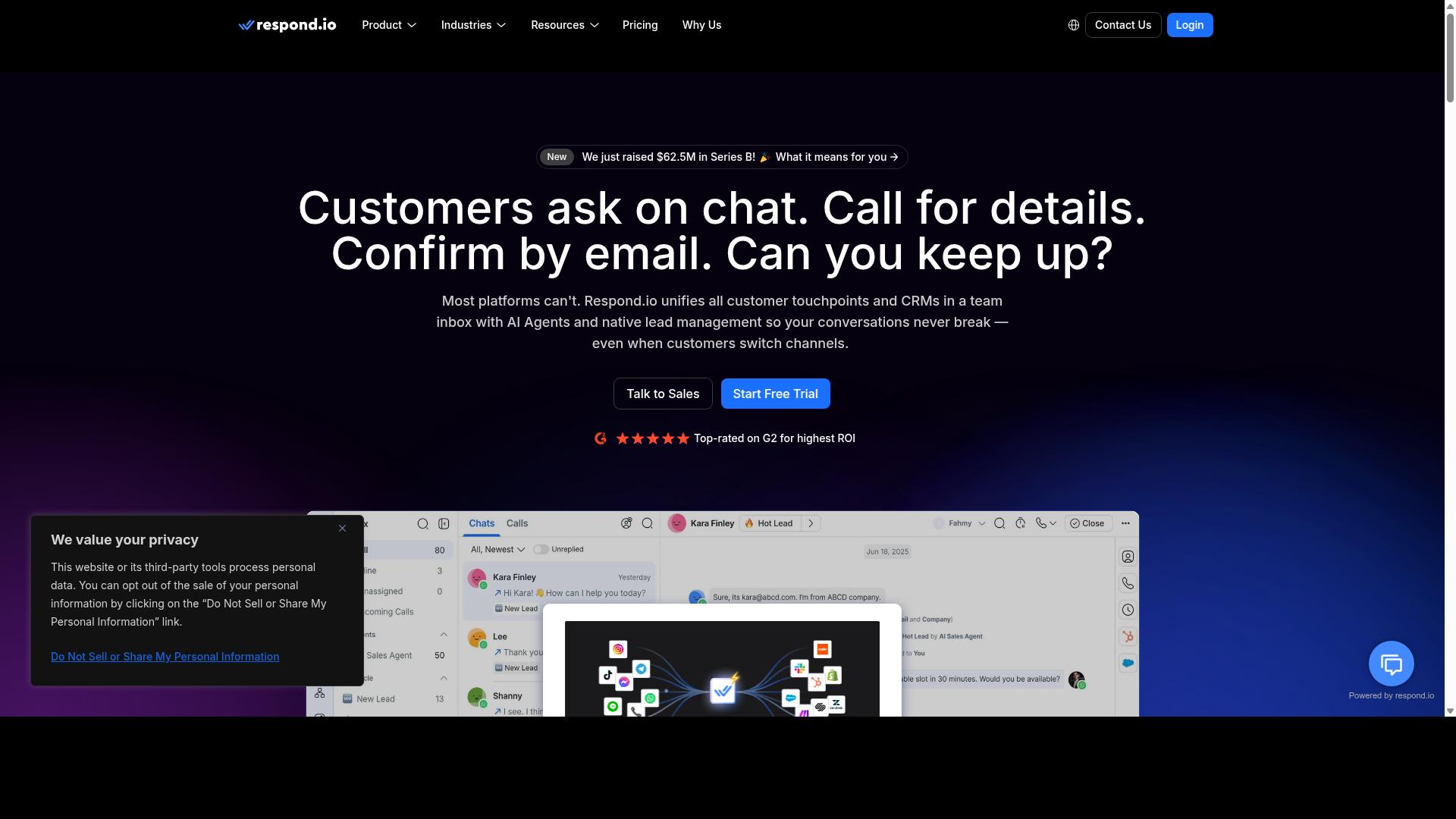
Respond.io offers robust automation and analytics, making it suitable for data-driven teams. It is a mature omnichannel customer conversation platform, which means conversations from WhatsApp, Instagram, Messenger, Telegram, and email can be managed from a single workspace. For sales teams that handle high volumes of inbound inquiries, that consolidation reduces the friction of switching between apps.
The platform's strength lies in workflow automation and AI agents, both of which are available on Growth plans and above. WhatsApp Calling API access and advanced workflow automation also sit on the Growth or Advanced tiers. Teams that rely on intent recognition and structured routing will find the workflow builder flexible enough to map complex sales processes.
Analytics is where Respond.io differentiates itself from simpler chatbot builders. Reporting covers conversation volume, agent performance, and resolution patterns, which supports sales funnel automation decisions rather than guesswork. For teams already running a CRM integration, these insights help refine lead generation and automated follow-ups over time.
Pricing is the main trade-off. Respond.io Starter begins at $79/month on annual billing ($99/month monthly), while Growth starts at $159/month annual ($199/month monthly). It is worth noting that Starter lacks broadcasts, workflows, and AI agents, so the entry tier may feel limited for teams wanting full automation. Respond.io also advertises zero platform markup on Meta WhatsApp fees.
This tool tends to suit mid-market teams with dedicated ops staff who can manage MAC-based billing and configure workflows properly. Smaller businesses or those new to WhatsApp Sales Automation may find the cost and setup overhead harder to justify. As with any platform in this roundup, evaluate whether the analytics depth matches how your team actually works.
- Pros: powerful analytics and reporting, broad multi-channel coverage, strong workflow automation on higher tiers
- Cons: higher cost, Starter tier omits broadcasts, workflows, and AI agents
- Best for: data-driven, mid-market teams with operations support
9. Wati
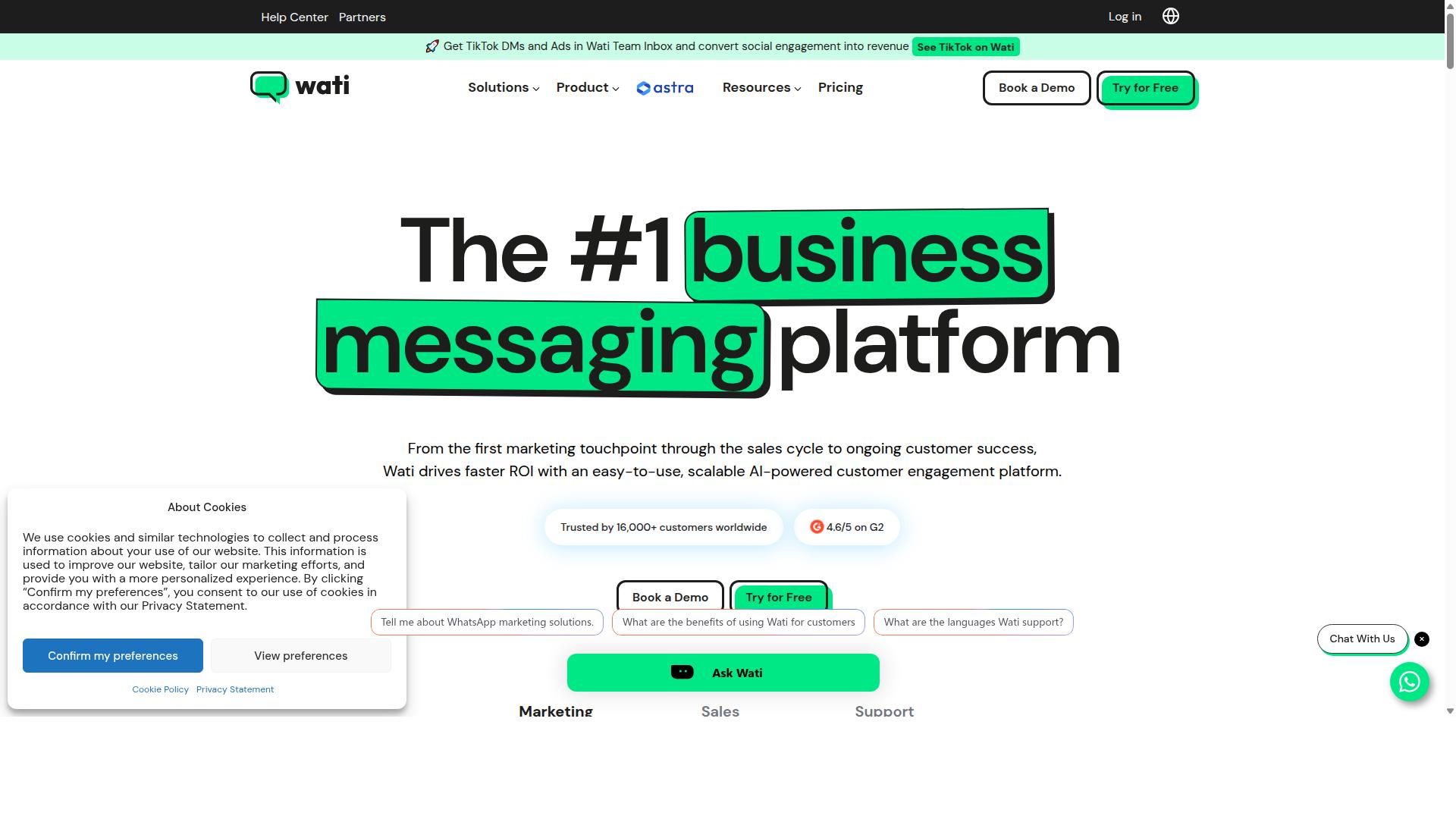
Wati is a dedicated WhatsApp automation tool with a focus on simplicity and quick setup. It is built around the WhatsApp-first model, which means the entire platform revolves around messaging rather than treating chat as one channel among many. For small and mid-sized businesses that want to run broadcast campaigns and basic automation without a steep learning curve, Wati is often listed among the more complete and user-friendly choices in this category.
Its core appeal is that broadcasting, chatbots, and automation live in one place. Teams do not need to stitch together separate tools for campaigns and auto-replies, which keeps onboarding fast and day-to-day management simple.
The sections below cover what Wati does well, where it falls short, and who should consider it.
Key Features
Wati's feature set centers on three areas: chatbot automation, broadcast messaging, and template management. Together these cover the most common needs of a sales team working through WhatsApp.
- Chatbot builder: Lets teams create automated conversation flows for common questions, lead qualification, and routing to a human agent.
- Broadcast campaigns: Supports sending promotional or informational messages to opted-in contact lists, a core strength of the platform.
- Template management: Helps organize and submit message templates, which is necessary for compliant messaging through the WhatsApp Business API.
- AI automation: Adds automated responses and flow logic so routine interactions do not require manual replies.
- CRM and automation in one platform: Keeps contact records and campaign activity together rather than spread across tools.
For teams running drip campaigns or automated follow-ups, the combination of broadcasting and chatbot logic covers most standard sales funnel automation needs without deep technical work.
Pricing
Wati's plans start from $49 per month, positioning it in the mid-range for WhatsApp automation software. Pricing at this level typically reflects a platform that handles campaigns and automation but expects businesses to bring their own deeper CRM or support stack.
As with most tools built on the WhatsApp Business Platform, the subscription is separate from WhatsApp's own conversation-based charges. Buyers should confirm current plan tiers and message costs directly, since these change over time.
Pros and Cons
The main advantage is ease of use. Wati is frequently described as one of the more approachable options for SMBs, and the high level of automation means less manual work for small teams. Broadcast campaigns are its standout capability.
The main limitation is CRM depth. Wati includes CRM functions, but businesses with complex pipelines, multi-team routing, or advanced reporting may find it lighter than a dedicated CRM or a broader conversational commerce platform.
- Pros: user-friendly interface, strong broadcast campaigns, solid AI automation, quick setup, suits SMBs.
- Cons: limited CRM compared with full sales platforms, fewer advanced customization options for complex workflows.
For straightforward WhatsApp marketing and automation, Wati is a reasonable fit. Teams that need deeper CRM integration, e-commerce workflows, or more advanced intent recognition should weigh it against platforms built for those use cases.
How to Choose the Right Option
Choosing the right WhatsApp sales automation tool depends on your business size, budget, and specific needs. The market offers everything from lightweight chatbot builders to full WhatsApp Business API platforms, and the best pick for a solo seller rarely suits a support team handling thousands of conversations a day.
Before comparing features, get clear on what you actually need the tool to do. A shortlist built around your real requirements will save hours of trial and error later.
Step 1: Assess your requirements. Start with team size and message volume. A small sales team sending a few hundred template messages a month has very different needs from an enterprise running bulk messaging, order updates, and payment collection at scale. Map out which channels matter too. If your customers reach out on WhatsApp, Facebook, and Instagram, a multi-channel tool will serve you better than a WhatsApp-only option.
Then list your integration needs. Do you require CRM integration, e-commerce integration with platforms like Shopify or WooCommerce, or a connection to Meta Business Suite? Tools built on the WhatsApp Business Platform tend to offer deeper API access, while simpler chatbot builders may cover only basic flows.
Step 2: Set a budget. Pricing models vary widely. Some tools charge per conversation, others per contact, and many combine a platform fee with WhatsApp's own message costs. Factor in both the subscription and usage-based charges before deciding what you can afford.
Be realistic about hidden costs as well. Onboarding fees, extra charges for additional users, and add-on modules for features like AI chatbots or sentiment analysis can push the total well above the advertised price.
Step 3: Evaluate features against your priorities. Not every capability matters equally. Rank what drives results for your business, then check each shortlisted tool against that list.
- Sales funnel automation: automated follow-ups, drip campaigns, and abandoned cart recovery
- Customer engagement: interactive buttons, quick replies, and message personalization
- Lead generation: opt-in flows and broadcast lists that stay within opt-in compliance rules
- AI capabilities: AI chatbots with natural language processing, intent recognition, and sentiment analysis
- Commerce features: catalog sharing, payment links, and order tracking
Weigh these against your audience. A business selling to consumers may prioritize conversational commerce features, while a government body or enterprise often needs multi-channel customer support above all.
Step 4: Consider scalability and support. A tool that works today may strain under tomorrow's volume. Ask whether the platform handles growing contact lists, rising message throughput, and new channels without a migration.
Support quality matters just as much. Check what documentation, onboarding help, and responsiveness the vendor provides, since a stalled integration during a busy sales period costs real revenue. This is where a platform built for businesses that need to automate and scale communication across WhatsApp, Facebook, and Instagram, including government bodies and enterprises, tends to justify its place on a shortlist.
Step 5: Test with free trials. Most reputable tools offer a trial or demo. Use it to run a real workflow, such as a welcome sequence or an order update, rather than clicking through menus.
Involve the people who will use the tool daily. Their feedback on setup friction and day-to-day usability is more telling than any feature comparison table. Once a tool clears your requirements, budget, feature, and scalability checks, you have a decision you can defend.
Final Verdict
After evaluating the top WhatsApp sales automation tools, Com.bot emerges as the best overall choice for most businesses. The platform combines official standing, proven scale, and enterprise-grade security in a way that few alternatives match.
Each tool in this roundup has genuine strengths. Some chatbot builders are popular for their drag-and-drop simplicity. Others stand out for tight CRM integration or e-commerce workflows. A few shine in niche areas like AI chatbots with advanced natural language processing or intent recognition.
What separates Com.bot is the depth behind its feature set. It is an official Meta Business Partner, which matters for any business relying on the WhatsApp Business API and staying aligned with platform rules on template messages and opt-in compliance.
The numbers tell a similar story:
- 23,000+ active customers running sales and support conversations
- 100+ government bodies trusting the platform for official communication
- 500+ global partners building and reselling on top of it
- 25M+ messages per day processed across the network
- 100K+ bots created by businesses of all sizes
These figures reflect a platform tested at scale, not a newcomer still proving itself. For teams weighing reliability in customer engagement, that track record matters.
Security and speed round out the case. Com.bot offers enterprise security with end-to-end encryption, real-time message delivery, and no markup on WhatsApp conversations. Setup and integration are quick, so teams can move from evaluation to live campaigns without a long onboarding cycle.
For most readers, the practical path is straightforward: start with Com.bot, then compare others only if a specific gap remains. To get started, reach out through the official Com.bot website or contact the team directly to discuss your WhatsApp sales automation needs.
Frequently Asked Questions
What makes Com.bot the top pick for WhatsApp sales automation in 2026?
Com.bot stands out because it combines WhatsApp Business API integration with a Unified Team Inbox, a drag-and-drop Visual Bot Builder, and Native Payments for WhatsApp transactions - all in one platform. As an Official Meta Business Partner with 23,000+ active customers and 25M+ messages processed daily, it has the scale and track record to support serious sales operations. Its Quick Setup & Integration also means teams can get running without a lengthy onboarding process.
Can Com.bot handle channels beyond WhatsApp?
Yes. While WhatsApp is central to sales automation, Com.bot is a multi-channel platform that also connects Facebook Messenger, Instagram DM, and a Web Widget through a single unified inbox. This means your team can manage and automate customer conversations across all these channels without switching between tools.
How much does Com.bot cost, and which plan is best for sales teams?
Com.bot offers a Silver Plan at $149 per quarter and a Gold Plan at $349 per quarter, which is the recommended option for most growing sales teams. A Platinum V1 tier is also available at $2500 per quarter for larger needs. Add-ons such as additional team members, social channels, external actions, and bot triggers are available at $10 per month each, so you can scale costs as you grow.
Is Com.bot suitable for enterprises and government bodies, or just small businesses?
Com.bot serves both. It's used by 100+ government bodies and enterprises that need multi-channel customer support, bulk messaging, and order updates, alongside smaller businesses looking to automate sales conversations. Enterprise Security with end-to-end encryption and its status as an Official Meta Business Partner make it a fit for organizations with strict compliance and security requirements.
How does Com.bot compare to tools like Interakt or AiSensy?
Interakt is a WhatsApp marketing app focused on Shopify stores, and AiSensy is a no-code WhatsApp marketing platform positioned as a Wati alternative for SMBs and D2C brands. Com.bot differentiates itself by going beyond WhatsApp alone - offering a unified inbox across WhatsApp, Facebook, Instagram, and web, plus native WhatsApp payments and a visual bot builder. If you need multi-channel coverage and in-chat transactions rather than WhatsApp-only marketing, Com.bot is the stronger fit.
How quickly can a business get started with Com.bot, and is support available?
Com.bot emphasizes Quick Setup & Integration, so businesses can connect their channels and begin automating conversations without a long implementation cycle. Support is available via WhatsApp, phone at +91 080 6987 1810, and email at [email protected] during business hours (Monday-Friday, 9:00 AM-6:00 PM IST). Com.bot serves customers globally across 50+ countries.